




PixelToPath for Web Apps
- Free
- 4.2
- 1
- V3.0.0
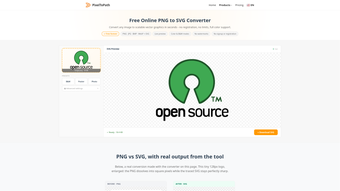
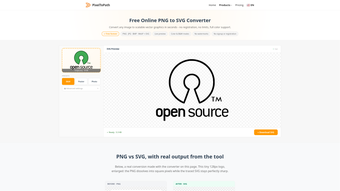
Turn any PNG, JPG, BMP or WebP image into clean, scalable SVG graphics with full color support.
Turn raster images into crisp, scalable vectors without limits and without the complexity: convert PNG, JPG, BMP and WebP files into high-quality SVGs for web, print, and interface projects.
Many creatives struggle with pixelated logos, bloated raster assets, or time-consuming manual tracing. PixelToPath eliminates that friction by automating conversion with professional tracing engines and offering flexible output tailored to your workflow. Whether you need a color-rich illustration preserved as vector shapes or a clean monochrome SVG for icons and laser cutting, PixelToPath delivers precise, ready-to-use files.
Core features
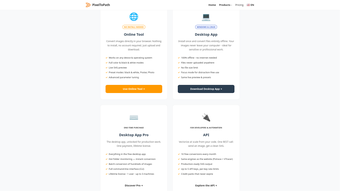
- PNG/JPG/BMP/WebP to SVG conversion — Quickly transform common raster formats into scalable SVGs you can edit or export without losing detail.
- Color SVG generation — Preserve gradients, color groups, and layered regions so your vector retains the original artwork’s visual complexity for digital and print use.
- Black-and-white SVG via Potrace — Produce clean, sharp monochrome vectors optimized for logos, stencils, and CNC workflows using the proven Potrace algorithm.
- Free SVG converter — Access unlimited conversions at no cost, making it easy to test different settings and presets without subscription barriers.
PixelToPath stands out because it blends enterprise-grade tracing technology with an accessible, no-cost model. The service integrates the strengths of industry-leading engines such as VTracer for faithful color tracing and Potrace for precise monochrome output, so you get both fidelity and clean geometry depending on your project needs. Beyond single-file conversions, PixelToPath supports professional workflows through hot folders, a command-line interface, and a REST API so teams can automate batch processing and integrate conversion into build pipelines or asset management systems.
Privacy and data control are core commitments: uploaded images are removed immediately after conversion and are not sold or reused, giving designers confidence when working with client assets or proprietary artwork. Multiple presets and fine-tuning options allow you to balance node count, curve smoothness, and color grouping to match downstream editing or production requirements, saving time compared with manual vectorization.
This tool is ideal for digital artists and illustrators who need vector versions of painted or textured work, graphic designers preparing brand assets and logos, and UX/UI designers converting screen assets and icons for responsive interfaces. It’s equally suitable for teams that require automation—developers, production studios, and print shops—thanks to the API and CLI features.
With an intuitive web app plus desktop clients for Windows and Linux, PixelToPath adapts to both occasional users and high-volume pipelines. If you need accurate, editable SVGs fast, without licensing headaches or conversion caps, PixelToPath provides a reliable, privacy-conscious solution that fits into creative and technical workflows alike.
Loading…
App specs
Developer
License
Free
Version
3.0.0
Latest update
Platform
Web Apps
OS
Internet Explorer
Language
English
Available languages
- Spanish
- English
- French
- German
- Russian
- Dutch
- Polish
- Chinese
- Turkish
- Arabic
- Korean
- Japanese
- Hindi
Downloads
1
Program available in other languages
- ダウンロード PixelToPath
- Baixada do PixelToPath
- Unduh PixelToPath
- Скачать PixelToPath
- Descargar PixelToPath
- Scarica PixelToPath
- Pobierz PixelToPath
- تنزيل PixelToPath
- PixelToPath herunterladen
- Ladda ner PixelToPath
- ดาวน์โหลด PixelToPath
- PixelToPath 다운로드
- 下载PixelToPath
- Download PixelToPath
- Télécharger PixelToPath
- PixelToPath indir
- Tải xuống PixelToPath
PixelToPath for Web Apps
- Free
- 4.2
- 1
- V3.0.0
User reviews about PixelToPath
Have you tried PixelToPath? Be the first to leave your opinion!
Add reviewTop downloads File managers for Web Apps
Top downloads File managers for Web Apps
Top downloads File managers for Web Apps

Webflow
Richly detailed website builder
PixelToPath
Turn any PNG, JPG, BMP or WebP image into clean, scalable SVG graphics with full color support.

DocBeacon
Know Exactly What Happens After You Send a Document

Ftopia
Safe and secure file sharing

Files Converter
Comprehensive File Conversion and Management Tool
Related topics about PixelToPath
Latest articles

Control Resonant gets a new story recap: Jesse Faden before launch
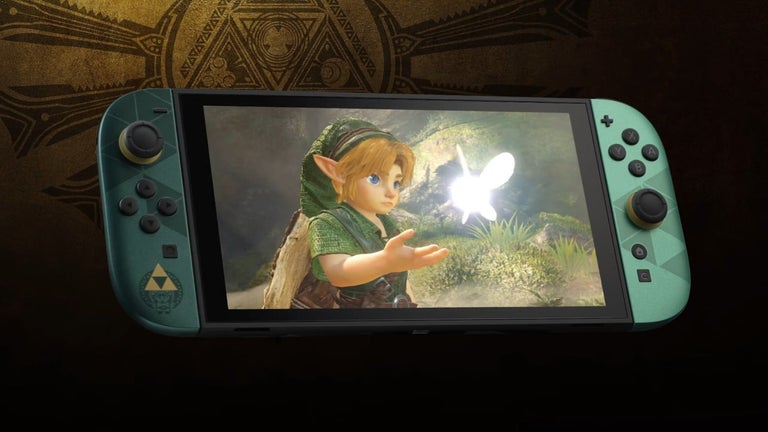
Nintendo confirms Zelda 40th Anniversary Collection restock: UK updates will come via the Nintendo Store app
No Man’s Sky Cosmos update adds Comet Dust: where to find it and what it’s for

Netflix announces Steps: a Cinderella rewrite for 2026

Kingdom Hearts 4 gets a development update: the Final Fantasy 7 Rebirth team is handling it
Laws concerning the use of this software vary from country to country. We do not encourage or condone the use of this program if it is in violation of these laws. Softonic may receive a referral fee if you click or buy any of the products featured here.